
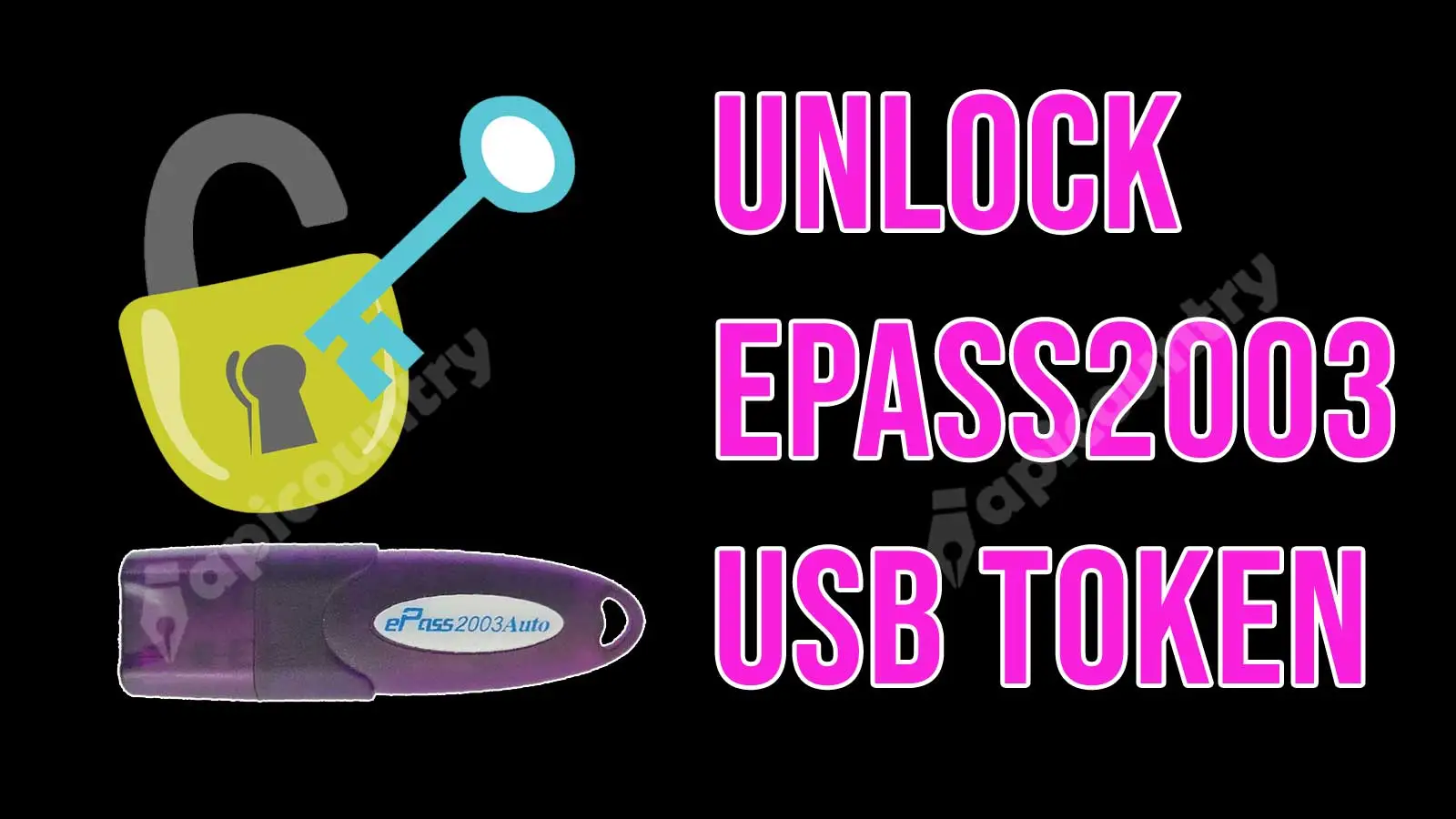
The below unlock process is only applicable for CSP 2.0 ePass2003 Auto tokens. If you are having the old token then refer to section 2 of the unlocking process.
Unlock ePass2003 Auto Token CSP 2.0
- SO PIN for ePass2003 CSP2.0: SO pin for epass2003 auto tokens are not fully available. Sometimes or very rarely available on a case-to-case basis. We have to unlock it through OTP mainly. You can apply SO Pin/OTP for ePass2003auto Token here.
- Find the attached admin utility form link https://www.apicountry.com/myuploads/ePass2003-Admin-Plugin.zip
- Download and extract it.
- Open the ePass2003-Admin-Plugin utility. (Close epass2003auto token manager before opening the Admin Utility.)
- Click on the arrow above the Exit button.
- Click on Unblock button given above and enter the SO PIN / OTP.
- Enter the new PIN and confirm it.
-
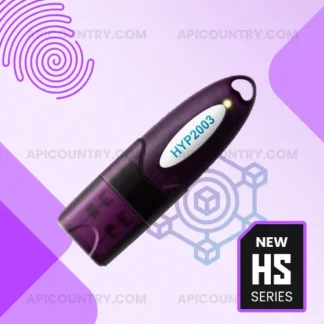
 HYP2003 Token – Level 3 HYP 2003 Token (FIPS 140-3)Price range: ₹ 649.00 through ₹ 18,599.00
 -
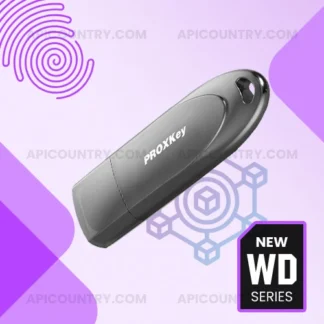
Proxkey Token – New WD Series Proxkey DSC by WatchDataPrice range: ₹ 599.00 through ₹ 16,349.00
-
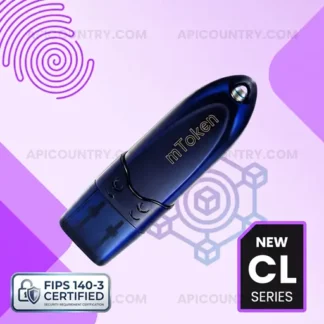
Mtoken – New FIPS 140-3 Certified mTokenPrice range: ₹ 599.00 through ₹ 16,349.00
-
ePass2003 Token – HS series ePass 2003 Token (FIPS 140-3)Price range: ₹ 649.00 through ₹ 18,599.00
Unlocking CSP 1.0 ePass2003 Auto Tokens
If you have a CSP 1.0 ePass2003 Auto Token, first verify whether the token is eligible for an upgrade. As of 2026, token upgrades are available only for certain compatible and supported tokens. Therefore, some older tokens may not qualify for an upgrade and may require replacement with a new token.
If your token successfully upgrades to CSP 2.0, you can then follow the above steps to unlock it.
Important: The upgrade process may affect the Digital Signature Certificate (DSC) stored inside the token. Therefore, back up or remove any existing DSC whenever possible before proceeding. Additionally, DSC re-download availability depends on the issuing Certifying Authority and the certificate’s validity period. Users should confirm re-download eligibility before initiating the upgrade process. Some certifying authorities allow re-download of digital signatures.
Disclaimer: Token unlocking, OTP availability, SO PIN issuance, and upgrade eligibility vary depending on the token model, firmware version, Certifying Authority, and support policies in effect at the time of the request.